One glass at a time.
Quick-add water, set your daily rhythm, and see hydration progress alongside your meals.
YOUR FOOD. YOUR LIFE. READPLATE.
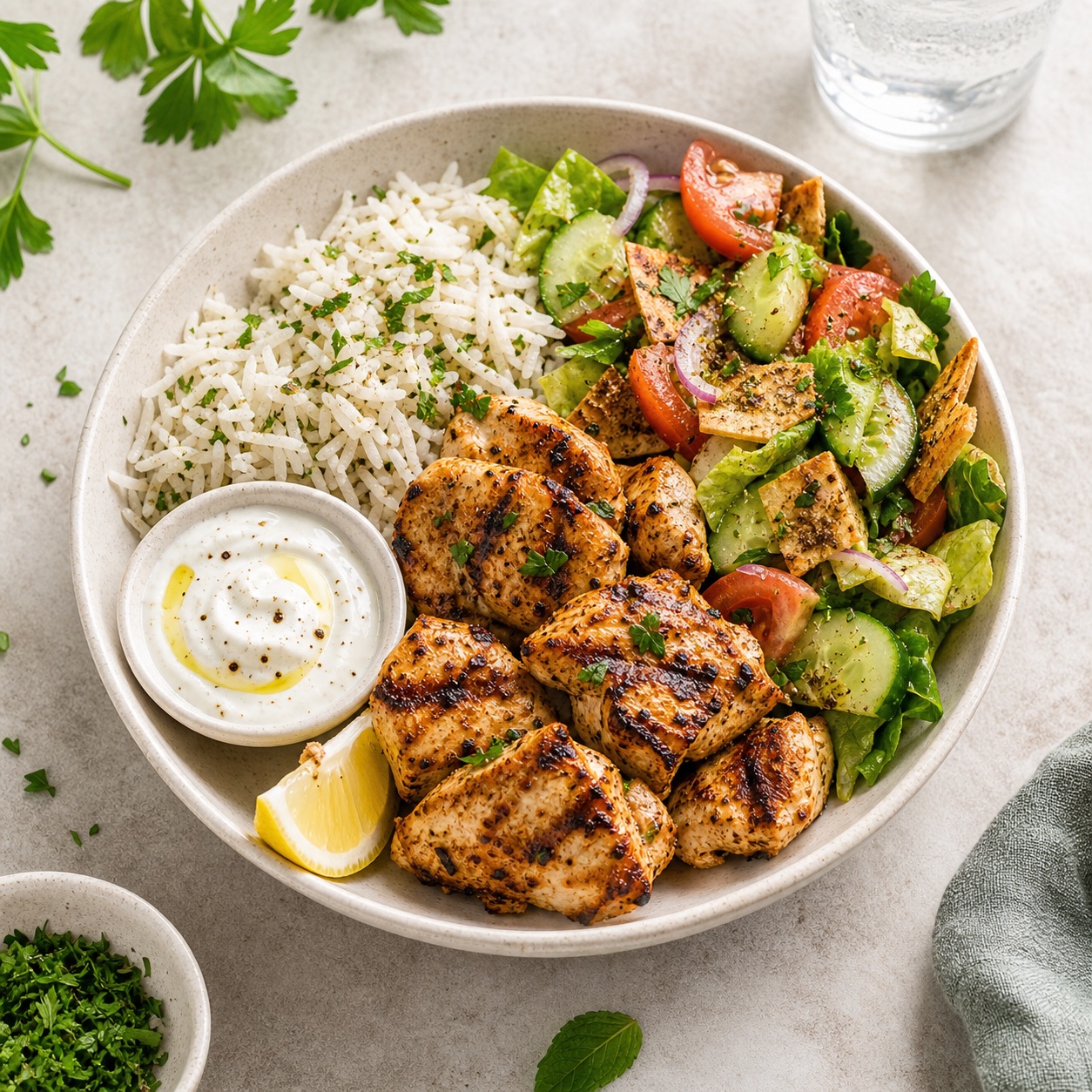
Turn a meal photo into a clearer picture. Bring your food, your movement, and your goals together—and make your next choice with a little more confidence.
Made for iPhone · iOS 17 or later
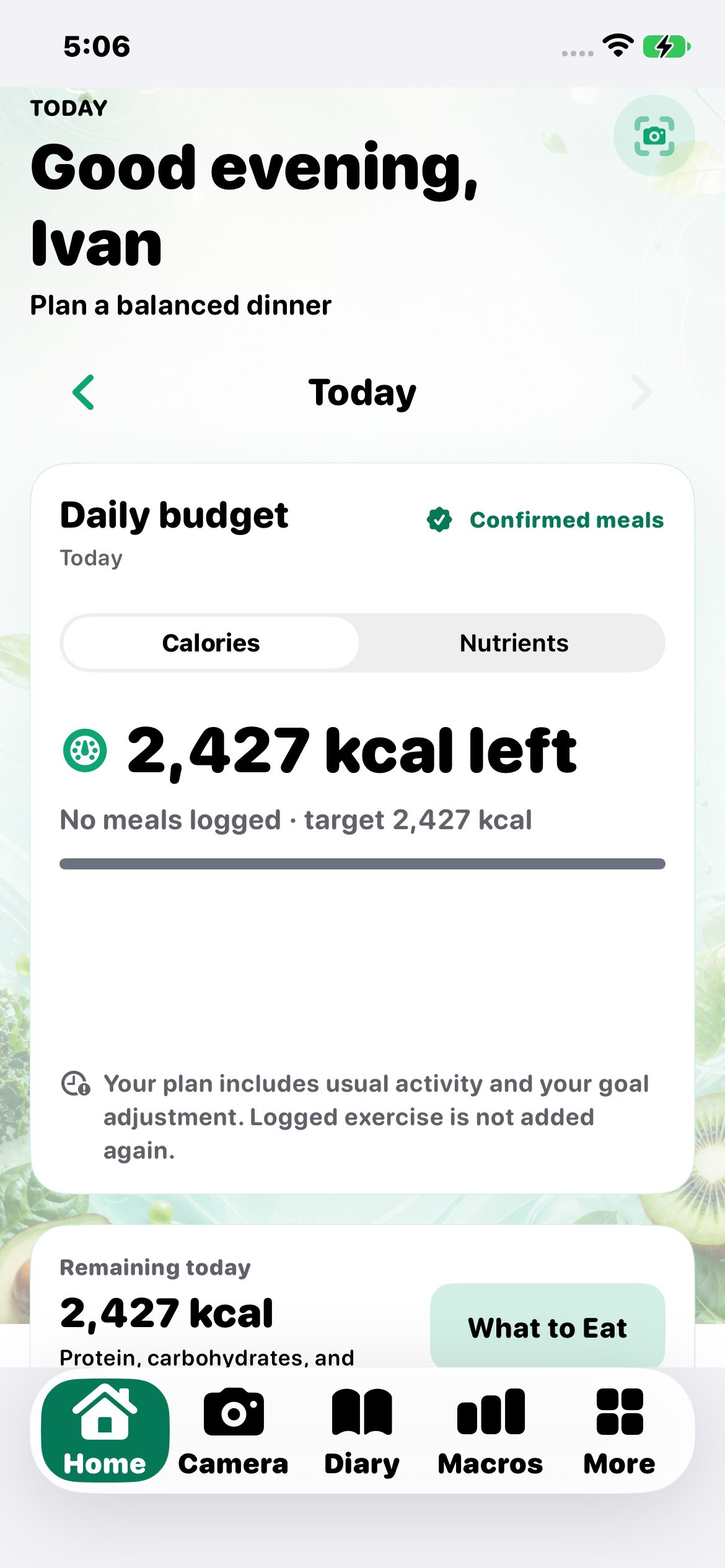
Your day.
A clearer picture.
FROM A QUICK BITE TO THE BIGGER PICTURE
Food is personal. Your tracking should be, too.
Snap a photo. Scan a label. Save the recipe you always come back to. ReadPlate connects those small everyday moments into a useful view of your nutrition—then helps you plan what comes next.
MEET THE APP, UP CLOSE
Take a look around the actual iPhone app. Explore genuine screens from the latest TestFlight versions, captured on a physical iPhone with accounts prepared for this preview.
ReadPlate/NutriAI 1.6.0 and Foodle 2.5.8, verified in TestFlight. Screens may show the NutriAI name during the transition to ReadPlate.
Your daily nutrition picture, quick actions, and the context to choose what comes next.
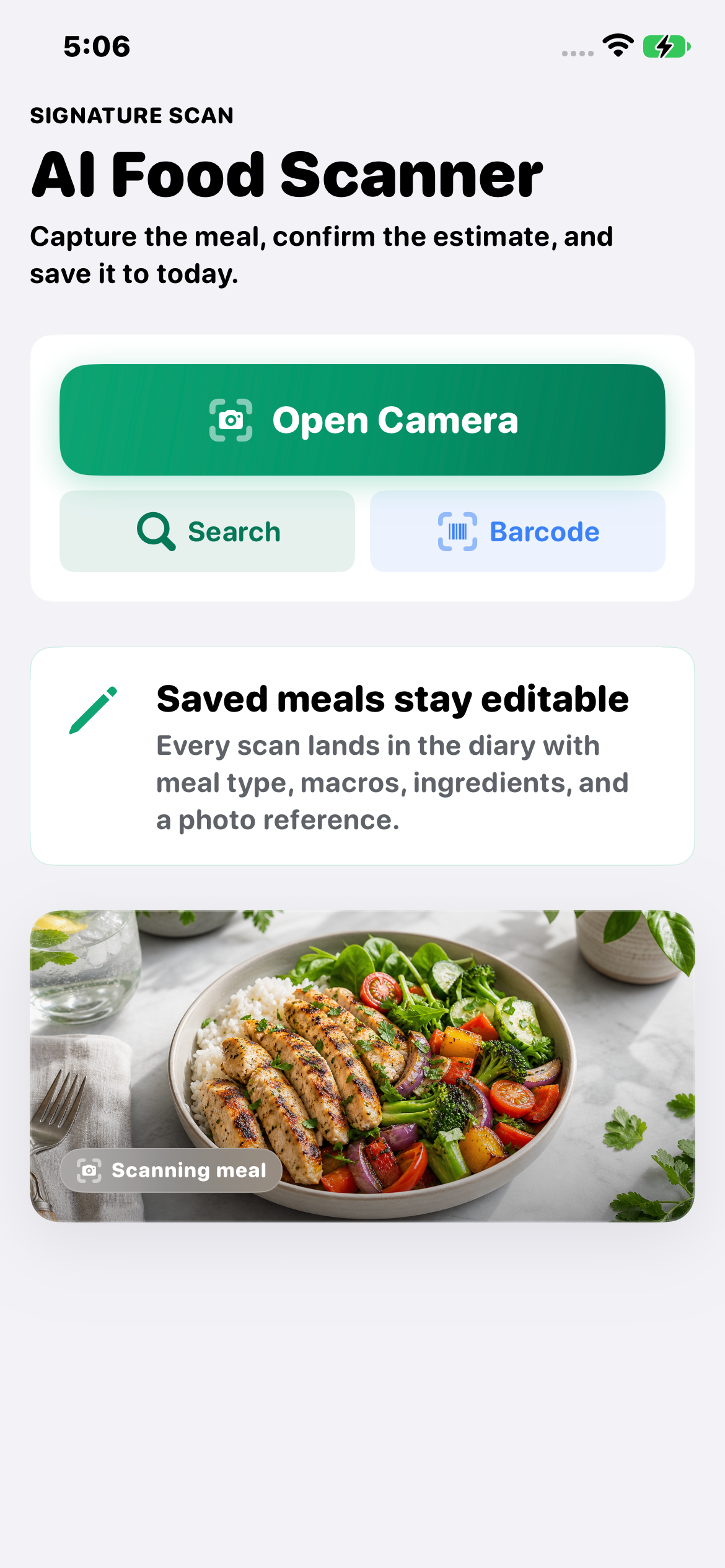
01 / LOG IT YOUR WAY
From homemade lunches to packaged snacks, choose the way to log that fits the moment.
AI estimates need your review. Scan limits vary by plan.
02 / GIVE TOMORROW A HEAD START
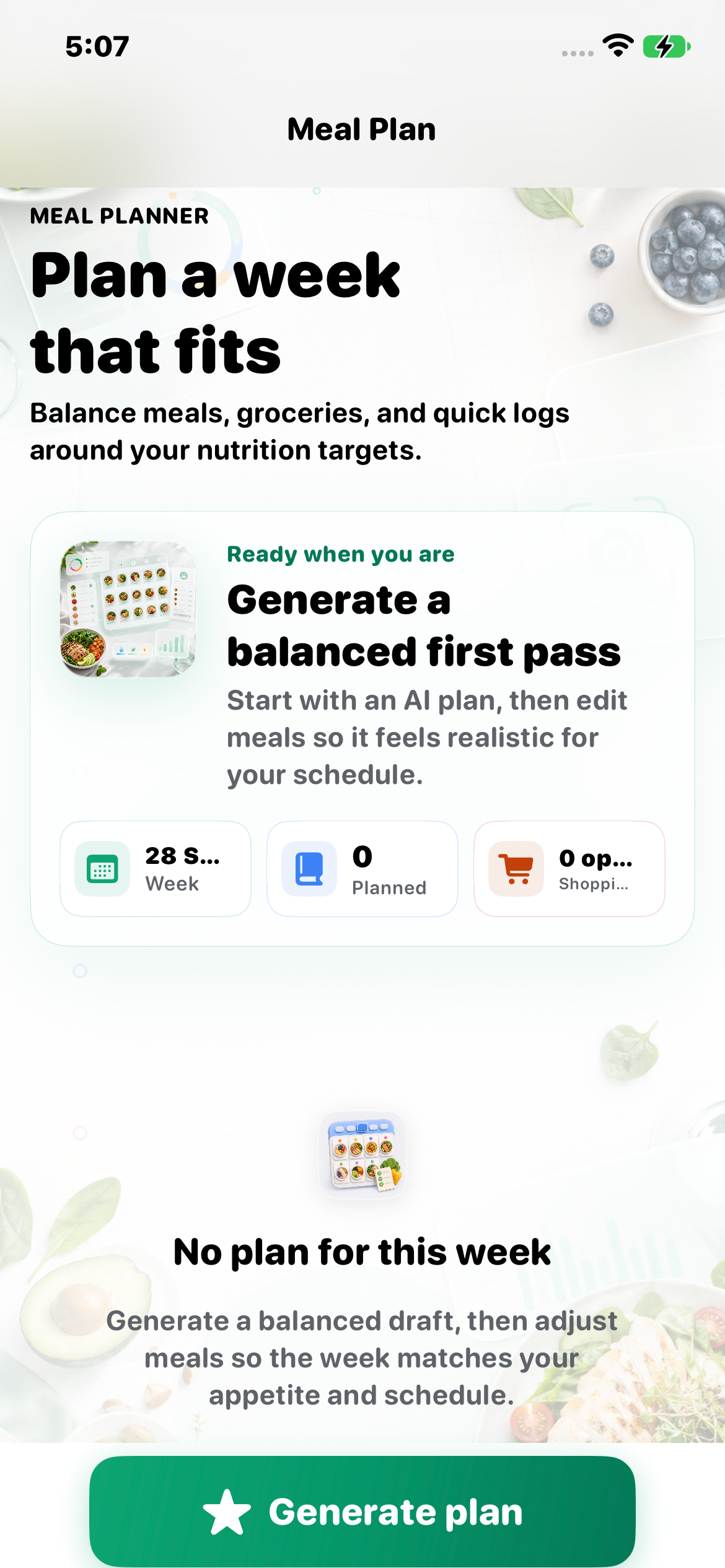
Find a saved recipe that fits what’s left in your day. Give it a place in the week. Take the list to the shop.
Meal planning is available on Pro, with a labeled template fallback when AI is unavailable. Recipes require Premium. Restaurant options depend on Foodle availability.
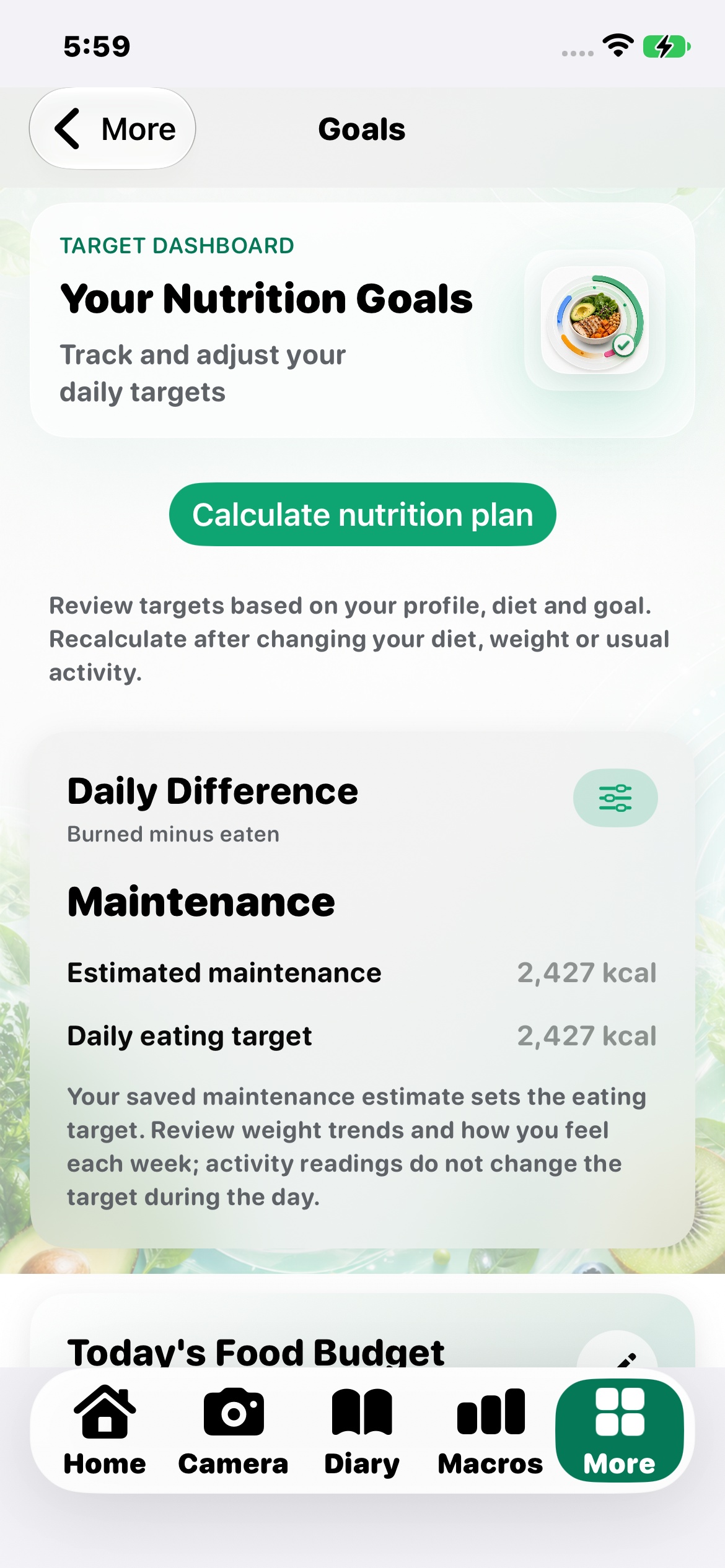
03 / BUILD A RHYTHM THAT FEELS LIKE YOU
There’s more to your day than a calorie total. Make room for the routines, preferences, and progress that matter to you.
Quick-add water, set your daily rhythm, and see hydration progress alongside your meals.
Quiet selected warning insights with Mindful Eating, or hide calories in the Diary summary with Calorie-Light Mode.
Set an eating window, choose planning context, and opt into reminders that help you return to the habit.
SEE WHAT TAKES TIME
Keep a private photo journal, use an overlay for more consistent framing, and look back through your journey. Nutrition trends and weekly reviews bring another layer of context.
Progress photos · Premium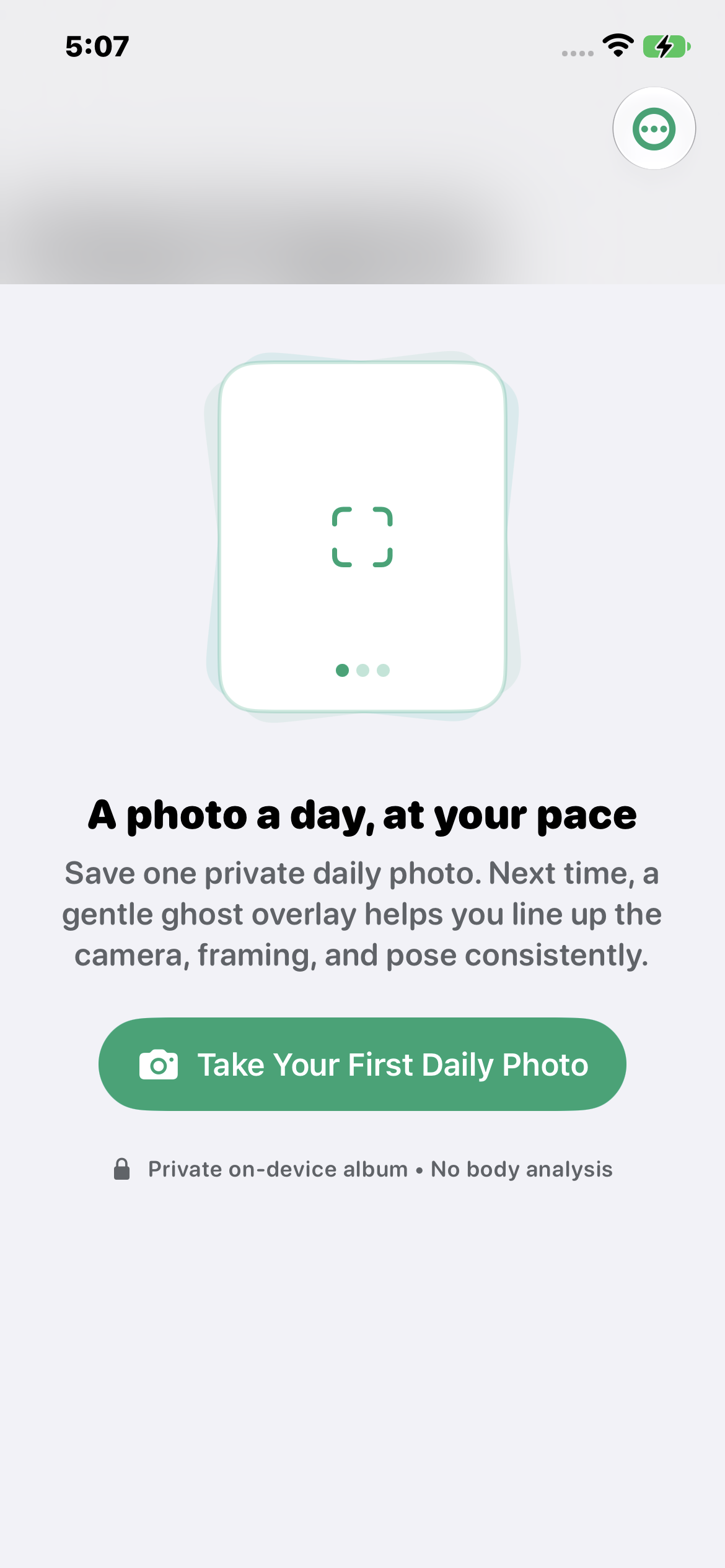
LESS FRICTION, THROUGHOUT YOUR DAY
Bring useful context together and keep your most familiar actions close.
Connect supported food, water, steps, weight, and energy data. Premium; you choose permissions.
Review your order, adjust what you actually ate, and confirm it in your diary. The Foodle connection is currently in testing; TestFlight orders are simulated.
Glance at your day, log water or a favorite meal, and check macros with fewer steps.
Import supported CSV food logs, export your personal data, and add biometric protection to your journal.
THE FULL READPLATE PICTURE
Explore everything the app brings to your day—from the first scan to the weekly check-in.
A LITTLE ROOM TO GROW
Choose the level of detail that fits your routine. Check current pricing and availability in the app.
FREE
A place to start understanding your everyday meals.
PRO
MAKE ROOM FOR A PLANMore logging capacity, plus tools to plan and explore.
PREMIUM
Your most complete ReadPlate experience.
Scan allowances are daily limits, not accuracy guarantees. Features may depend on device permissions, connected services, and availability.
ReadPlate is the new name for NutriAI. This website introduces the new identity; current builds, screenshots, support pages, and app links may still use NutriAI during the transition.
Yes. These screenshots come from the actual TestFlight-installed apps on a physical iPhone: ReadPlate/NutriAI 1.6.0 (2026092803) and Foodle 2.5.8 (26). The accounts were prepared for this website preview. Some captures focus on individual screens, with navigation chrome omitted.
A photo cannot reveal every ingredient or exact portion. ReadPlate gives you an estimate to review. Adjust portions, ingredients, and missing items before saving. Nutrition information is informational and is not medical advice.
Yes. Calorie-Light Mode hides calories in the Diary summary. Mindful Eating filters selected warning insights. Calories remain available elsewhere in the app.
No. A linked Foodle order is prepared for review. You decide what you ate, adjust portions, and confirm it before it becomes a logged meal. The current Foodle TestFlight uses simulated orders. Restaurant options and smart suggestions depend on availability, rollout, and account setup.
Contact the team for current iPhone access and availability. We’ll help you find the right next step while the app transitions to ReadPlate.
Ask about accessYOUR NEXT CHAPTER STARTS WITH A PLATE
Meet ReadPlate, your everyday nutrition companion for iPhone.
Ask about iPhone access Contact the team for current app availability.